
myLog · iPhone, iPad and Mac
Every logbook.
One app.
A flexible logbook for flights, sailing passages, mountain days, dives, vehicle servicing, CPD or anything else you want to keep a record of. On iPhone, iPad and Mac.
For iPhone, iPad and Mac. No account needed.
One place for every record
One app for every record.
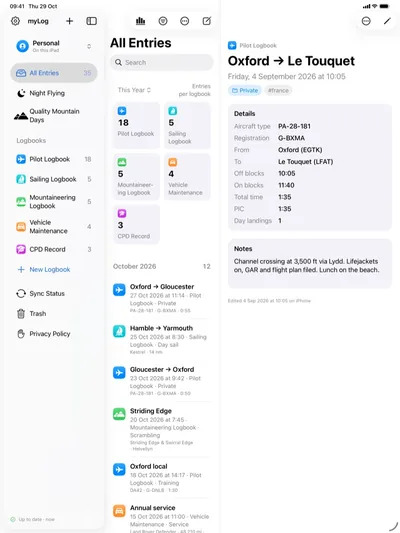
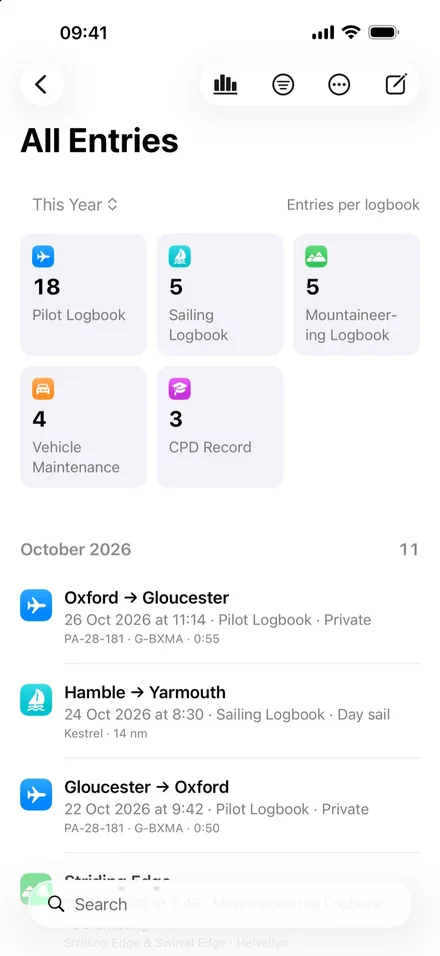
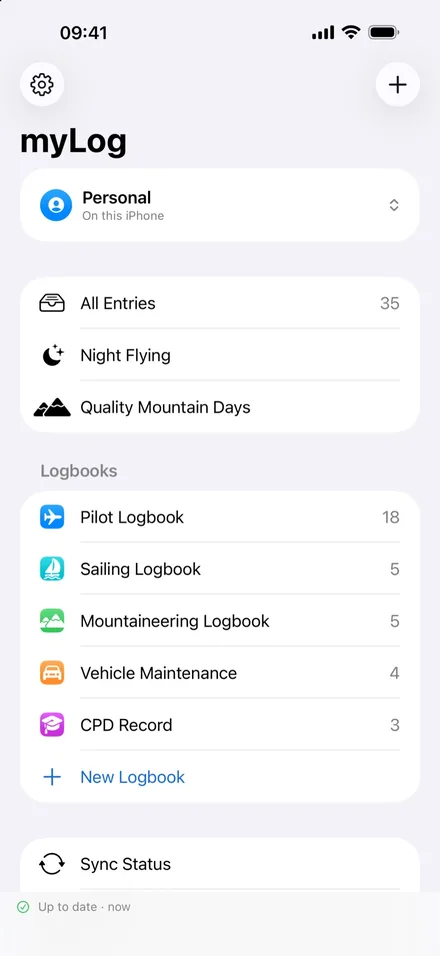
myLog is a flexible logbook for everything you want to keep a record of. Log flights, sailing passages, mountain days, dives, vehicle servicing, CPD or an engineering portfolio, or design a logbook of your own. All of them sit in one app on your iPhone, iPad and Mac.
Templates
Start in seconds
Pick a template and start logging straight away.
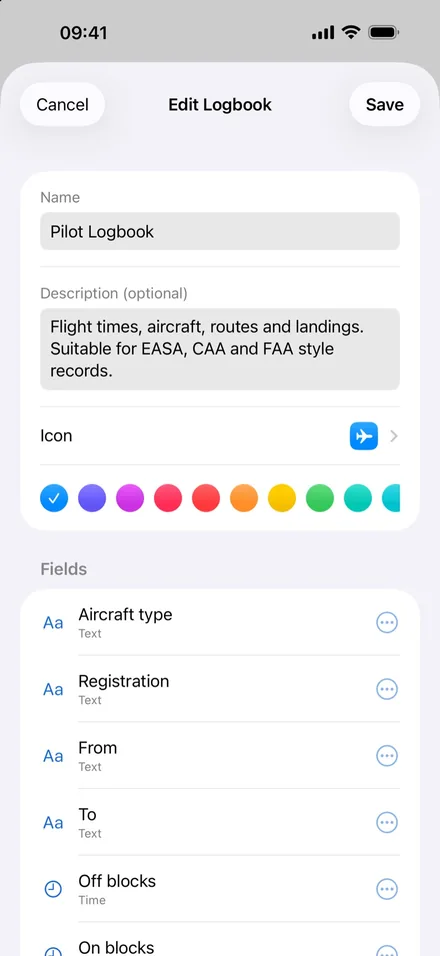
- Pilot LogbookAircraft, routes, block times, PIC, dual, night, IFR, multi-engine, landings and approaches. Suitable for EASA, CAA and FAA style records.
- Sailing LogbookPassages, miles, hours underway, night hours, tidal waters and conditions. Useful for RYA and other sea-time records.
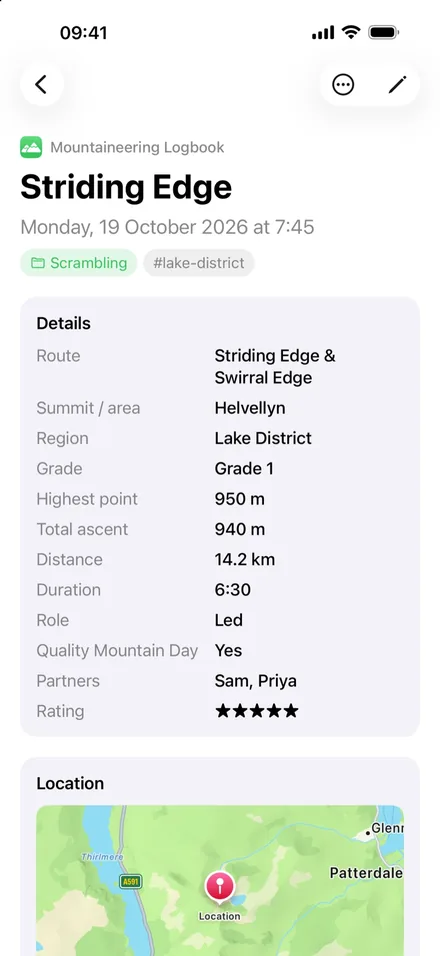
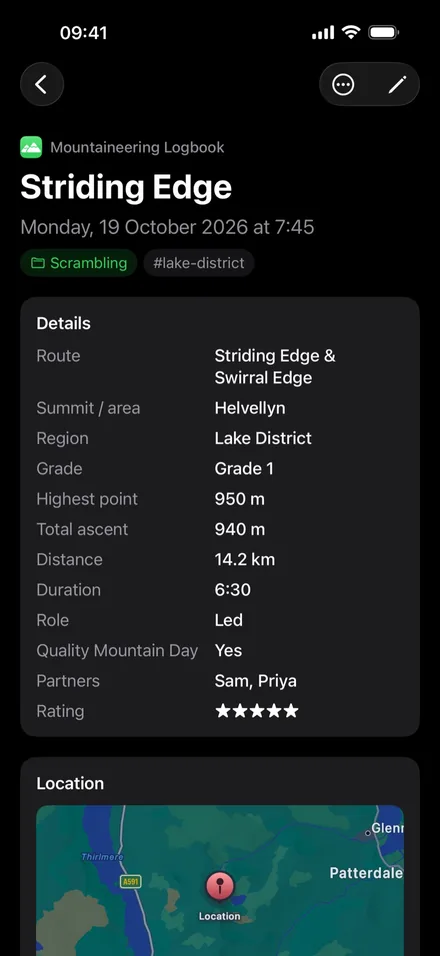
- Mountaineering LogbookRoutes, summits, ascent, partners and Quality Mountain Days for Mountain Training schemes.
- Vehicle MaintenanceServices, repairs, MOTs, tyres, fuel and costs, with when the next service is due.
- CPD RecordHours, learning outcomes and reflection.
- Engineering PortfolioEvidence for professional registration, mapped to UK-SPEC competences.
- Dive LogSites, depth, bottom time, gas and buddies.
- Custom LogbookStart from scratch.
Fields
Track exactly what you need
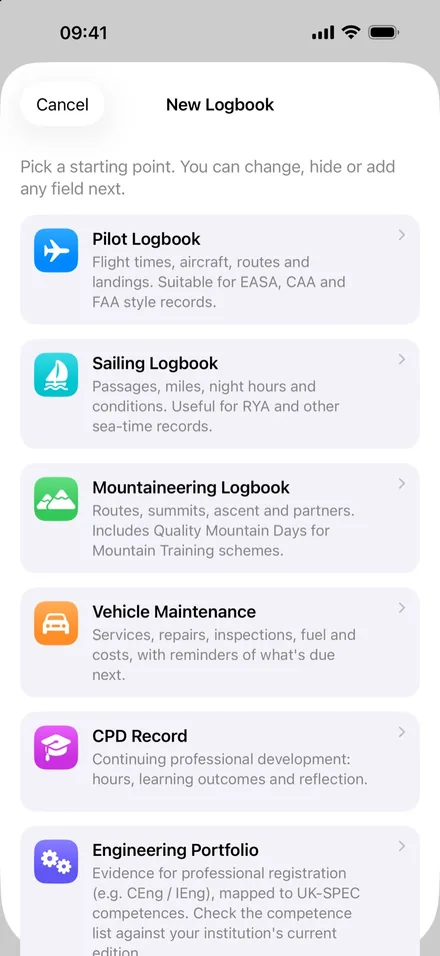
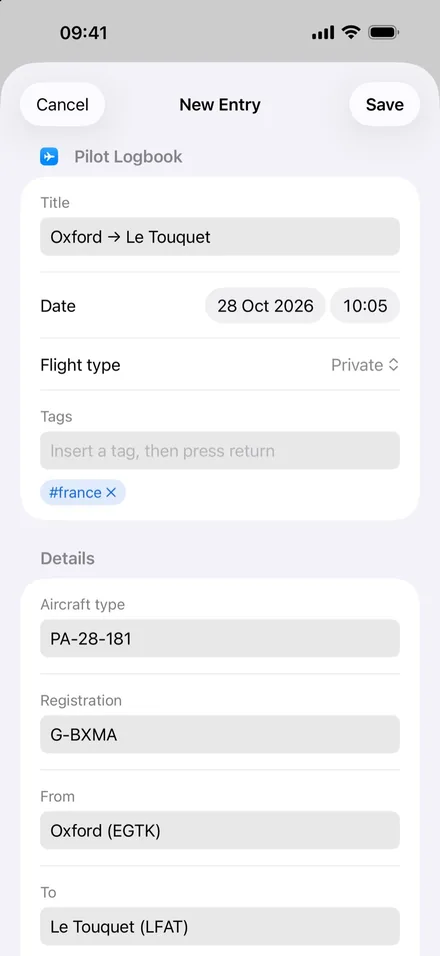
Every field can be renamed, hidden or reordered, and you can add your own: text, numbers with units, durations, dates and times, yes/no, choices, ratings, links and GPS locations.
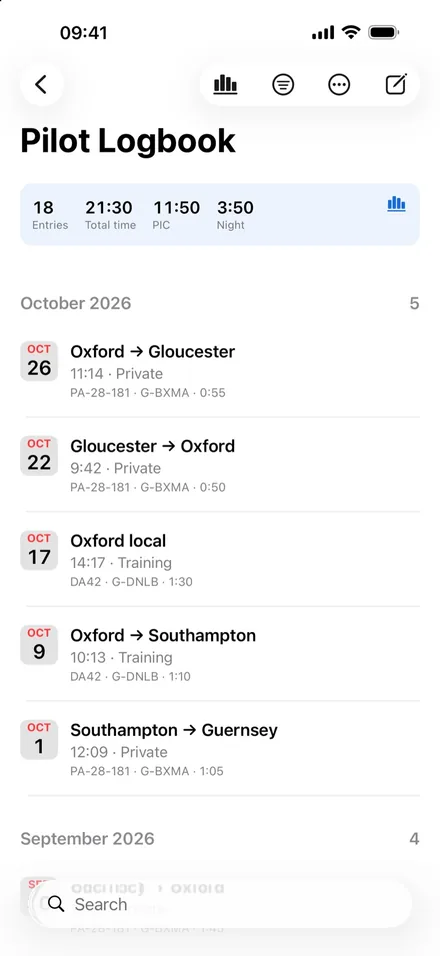
Use categories and tags, and let myLog build titles for you, such as “Oxford → Le Touquet”.
Totals
Totals that keep themselves
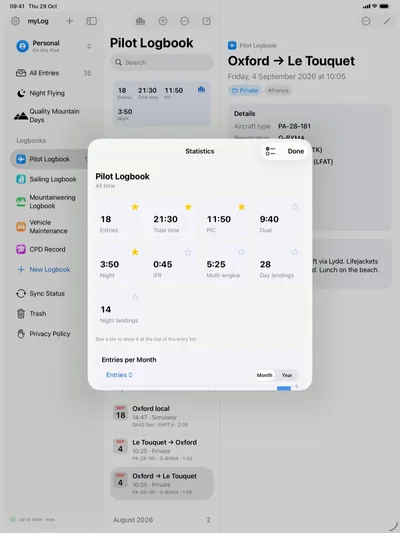
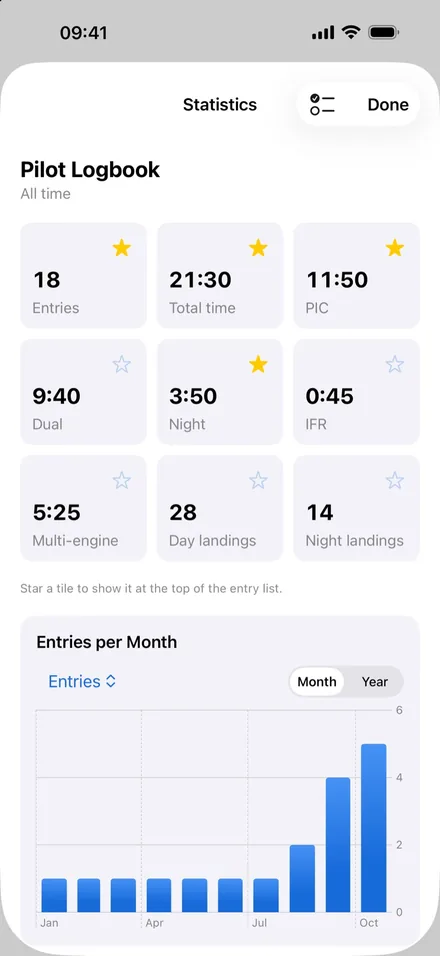
Hours, landings, miles, ascent and costs add up as you log. Star the totals you care about to keep them at the top of each logbook, for this week, month, year or all time.
Statistics show charts by month or year for any logbook, filter or date range.
Entries
Every detail on record
Add notes, photos, files and your current location to any entry. Locations appear on a map, and photos open full screen.
iPad and Mac
Made for each device
A three-column layout on iPad and Mac, full menus and keyboard shortcuts on Mac, and support for Dark Mode, Dynamic Type and VoiceOver.
One purchase covers iPhone, iPad and Mac.
In the app
And the rest of it.
Find anything
Search every logbook at once. Filter by date, logbook, category, tag or any field, such as “night hours more than 1”. Save filters as Smart Filters, which sync across your devices.
Export and share
Export any list as a CSV spreadsheet or a PDF report, or create a full backup of a vault in one tap.
Works everywhere, even offline
iCloud keeps your iPhone, iPad and Mac in step automatically. With no signal, entries and photos are saved on your device and sync later.
If an entry is edited on two devices at once, myLog keeps both versions so you can choose. Deleted entries go to the Trash first, so they can be restored.
The real thing
Every screen, as it is.
Captured from the app itself. The names, places and records are made-up demo data.
Privacy
Your data stays yours. No account. No servers. No tracking. We never see it.
Ordinary files you controlLogbooks are Markdown and JSON files in a folder you control, so you can read them in any text editor or in apps like Obsidian, even without myLog.
Stored where you chooseIn your own iCloud Drive, on your device only, or in a folder you choose.
No account, no serversNo sign-in, no ads, no analytics and no tracking. We never see your data.
An optional lockFace ID or Touch ID, if you want it.
Plainly
Worth knowing.
- iPhone and iPad with iOS or iPadOS 18 or later, and Mac with macOS 15 or later.
- myLog is a personal record-keeping tool. Check what your licensing authority, club or professional body requires for official records.
- We hold no copy of your logbooks, so we cannot restore them for you. Keep a backup.
Every logbook.
One app.
myLog is an app for iPhone, iPad and Mac from Alumbus Labs. No account to make, and your records stay yours.